


Learn what to expect and how to get connected.
Grow in faith through classes, groups, and baptism.
Build relationships and join a community.
Generosity in action—support New Hills Church.
Join services and events from anywhere.
Learn more about our preschool programs.
Receive support and prayer from our team.
Explore groups and ministries designed to help every season of life grow in faith, build friendships, and follow Jesus.
We exist to lead people to life in Christ Sundays
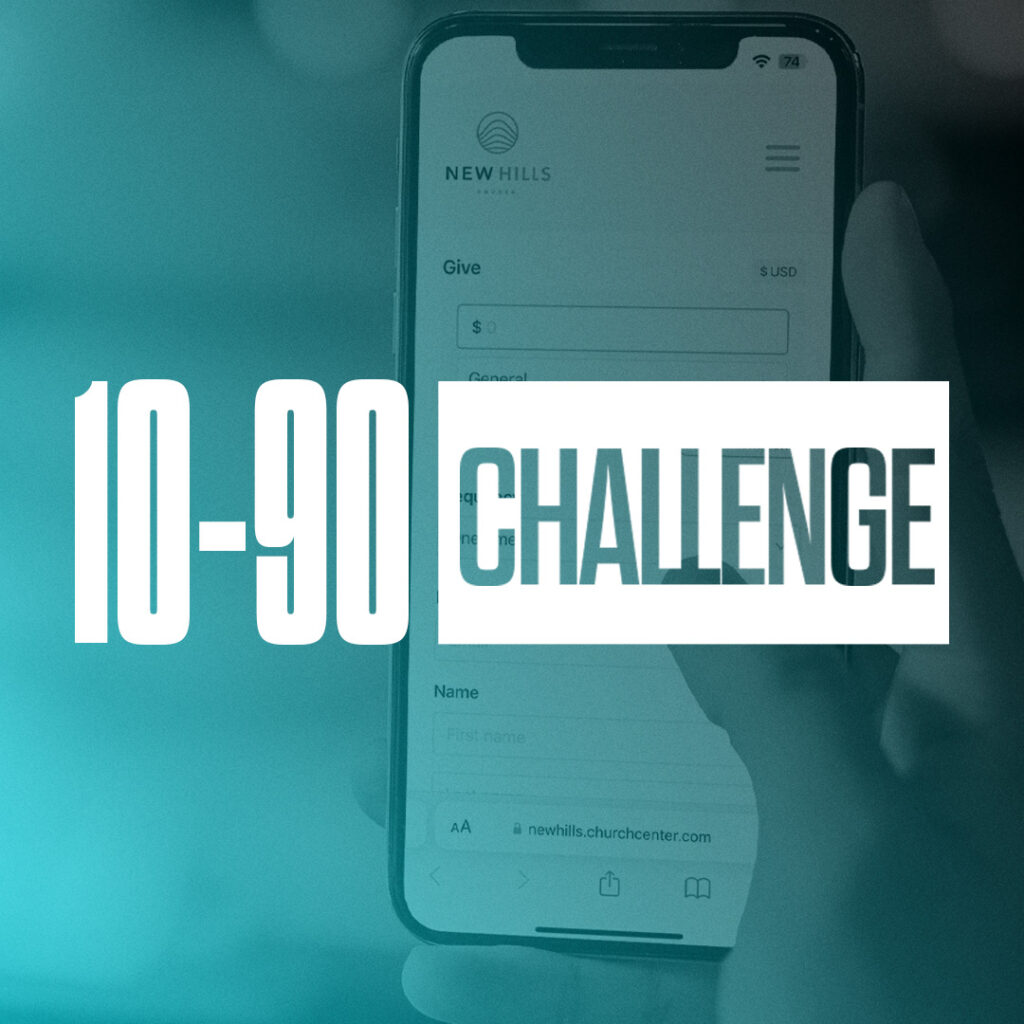
Simple and secure. Give a single gift or schedule recurring giving.
You can give in person at any of our giving boxes in our auditorium on the weekend.
Attn: Finance New Hills 5061 E. 160th Ave. Brighton, CO 80602
If you have any other assets (vehicles, real estate, etc.) you would like to donate, email finance@newhills.church
When you choose a method with a smaller processing fee, you make the most of your giving.
You can view your giving history anytime through your giving profile in the Church Center app or by visiting our giving page online. Simply log in with your phone number or email, then tap on your profile icon and select “My Giving” to see a detailed record of your contributions.
Additionally, a giving statement is automatically sent out every year for tax purposes. This statement typically arrives via email in January and includes all of your contributions from the previous calendar year.
All contributions must be received or postmarked by December 31 in order to be included on your contribution statement for that year. Any online contributions must also be initiated by December 31.
5061 E. 160th Avenue Brighton, CO 80602
If there is anything else we can help with, email us at finance@newhills.church